Drupal Theming Updates
Comprehensive UI/UX improvements in Drupal 10 theme.
Riley Skipper
Project Creator
Project Overview
I led a comprehensive theming and design system overhaul for Rutgers University’s Drupal-based web platform. This project focused on modernizing the user interface, improving accessibility, implementing a cohesive design system, and enhancing the overall user experience across departmental websites.
Key Needs
Modern Design Architecture
A modern, versatile design architecture with seamless interactive components that enhance user engagement and provide a contemporary web experience.
Enhanced Usability
Enhanced usability for our various age ranges of users and students, ensuring accessibility and intuitive navigation for all audiences.
Flexible & Cohesive
Broad in scope to apply across all departments for cohesive branding and recognizable tools, yet tailor-made for the specificities and nuances of each department and school.
Powerful Simplicity
Powerful templating that allows free range customization for web editors with no prior experience in coding or web design, achieved by introducing automatic safeguards for ADA and usability.
Key Improvements

Responsive and ADA Compliance
Continuous enhancements to ensure accessibility and optimal performance across devices, making your website more accessible to screen readers and ensuring smoother adjustments between desktop and mobile views.

Image Crop
Easily crop images within your website’s admin panel, allowing you to adjust product images or blog post featured images. Visit Our Drupal Help to learn how to use Image Crop.
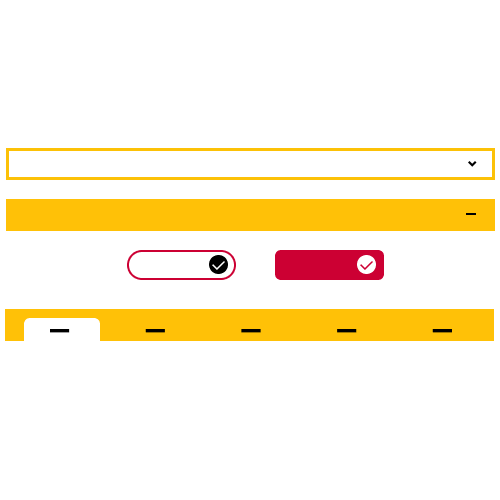
New Scheme on Components
Enjoy a modern and seamless design with updated buttons, forms, and other elements, enhancing your site’s overall visual appeal.

Masonry Layout
Utilize a grid layout on custom pages that displays content of varying heights in a column-based structure without large vertical gaps, ideal for events or news pages.
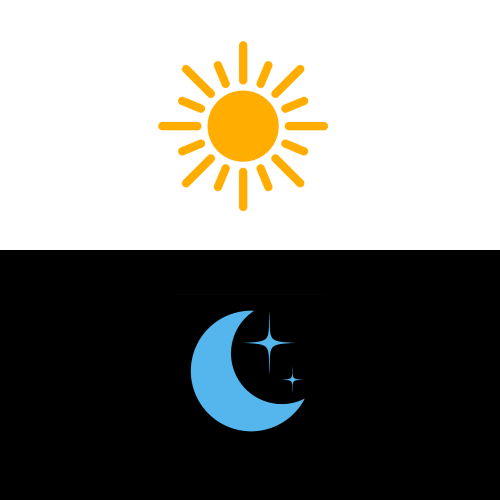
Dark Mode
A new feature that allows visitors to switch the website interface’s color scheme from light to dark, reducing eye strain when viewing your site in low-light conditions.
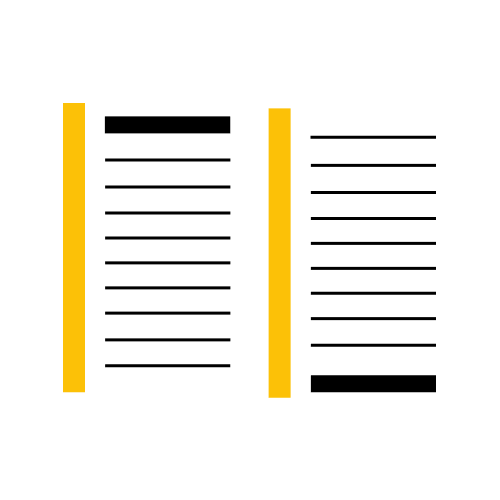
New Sitemap Page
Enhance search engine optimization and user navigation with a dedicated page displaying all your website’s sections and pages.

Parallax Layout
Add a scrolling visual effect that makes websites more engaging and immersive, with background images moving at a speed different from the foreground content.

UI Framework Upgrade
Transition from Bootstrap 4 to 5, removing the jQuery dependency and incorporating the latest features and components. This results in faster load times and smoother animations, especially on mobile devices.

Sticky Menu
Improved user experience by keeping the main menu visible at the top as users scroll down your homepage, allowing for easy navigation.
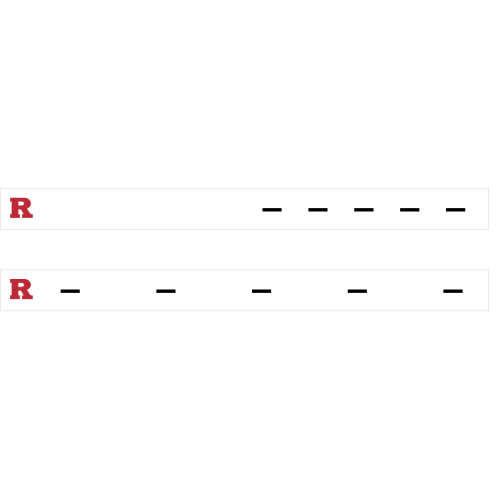
Menu Alignment
Choose between a right-aligned or center-justified menu based on the number of main menu items, providing a more tailored navigation experience.
Technical Implementation
The Drupal theming project was built using modern web technologies and best practices:
- Drupal 9/10: Leveraged the latest Drupal core features
- Twig Templates: Custom Twig templates for flexible theming
- CSS Grid & Bootstrap 5: Modern layout techniques for responsive design
- JavaScript ES6+: Modern JavaScript for interactive components
- Accessibility: WCAG 2.1 AA compliance throughout
Accessibility Features
Accessibility was a core focus throughout the project:
- Keyboard Navigation: Full keyboard support for all interactive elements
- Screen Reader Optimization: Semantic HTML and ARIA labels
- Color Contrast: All text meets WCAG AA standards minimum
- Alternative Content: Proper alt text and captions for all media
- Auto-ADA: Preventive measures to warn editors of ADA errors prior to publishing content.
Share this project
Like this project? Share it with your network!